

Operational outcome
Every new enquiry becomes a case with an owner and a clean record from the start.
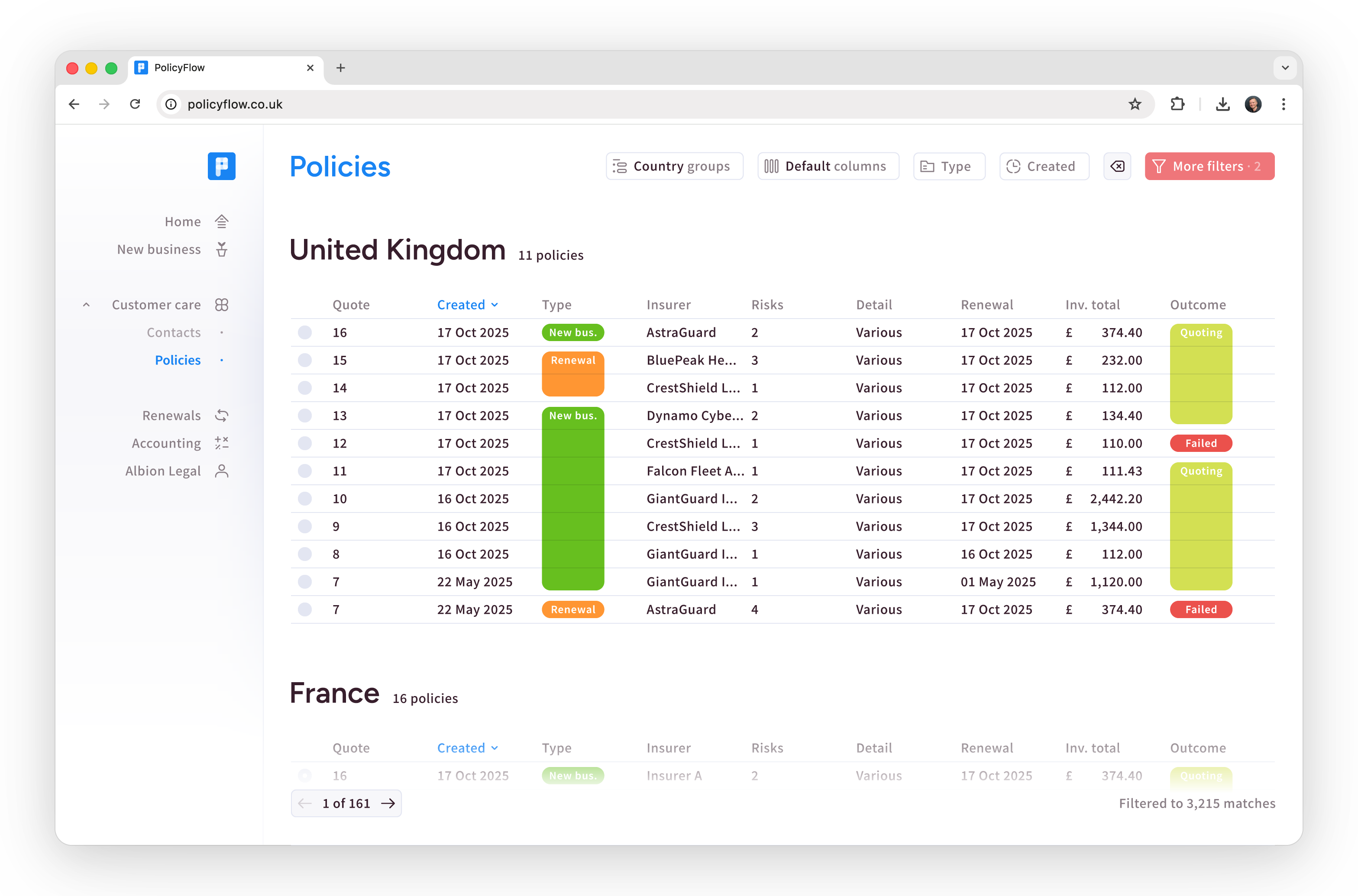
Client, risk, policy, and document data stay connected across Intake, Quote, Bind, MTAs, and Renewals. Teams stop re-keying information, chasing status, and rebuilding history in spreadsheets.
Every new enquiry becomes a case with an owner and a clean record from the start.
Capture client, contacts, risk details, and documents in one place.
Client, risk, policy, and document data stay linked across all five stages.
Assign a case, keep status visible, and make the next action explicit.
Owner, task list, and activity timeline on the case record.
Quoting moves faster because the risk story and attachments stay in context.
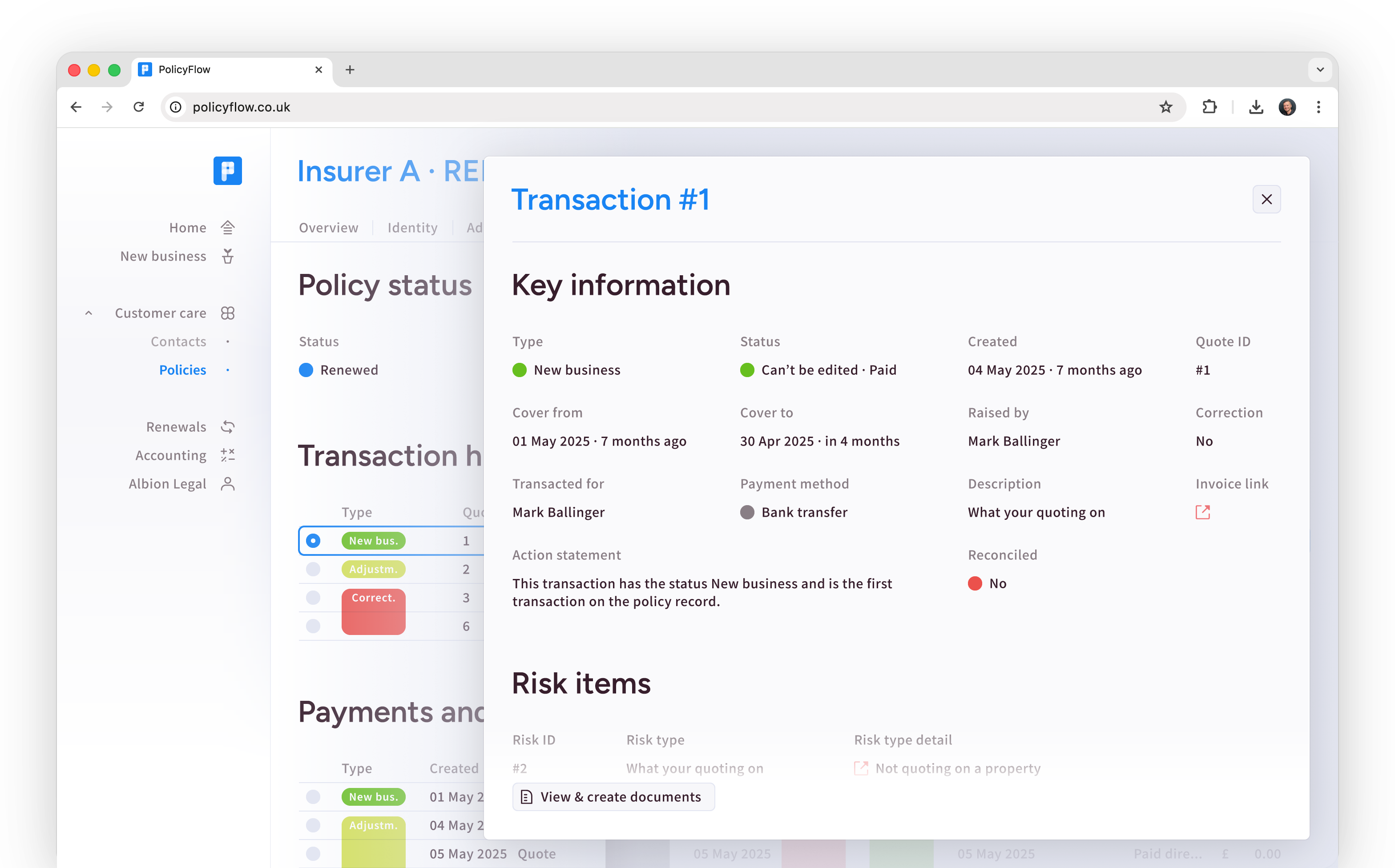
Reuse client and risk data from Intake with no re-keying.
Responsibility is visible and work keeps moving without inbox chasing.
Track quote status with notes and documents attached to the quote.
Quote record with status, notes, and supporting document trail.
Binding stays controlled and repeatable with evidence of what was agreed and when.
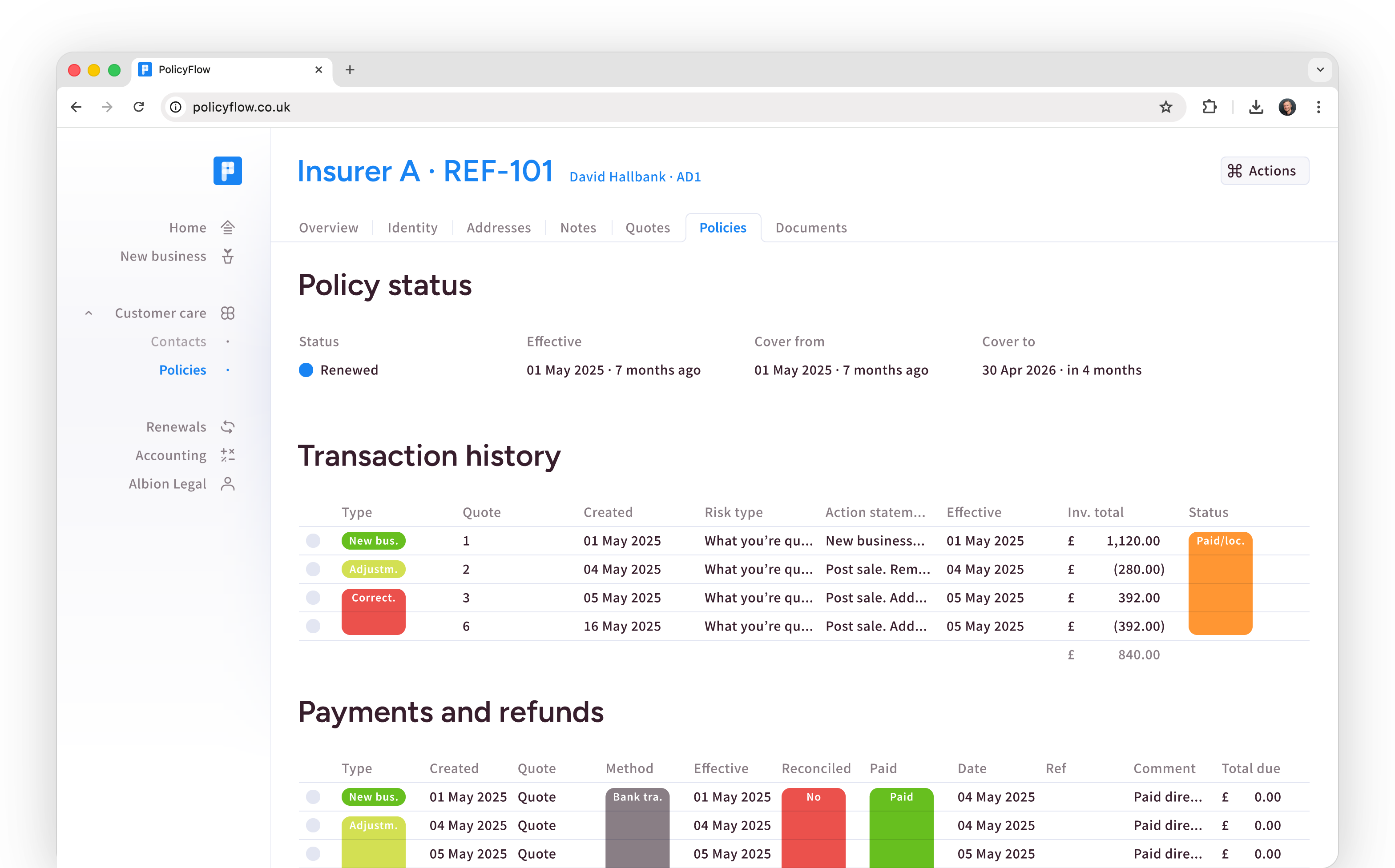
Explicit bind step with clear handoffs from quote to policy.
Organize the policy pack and related files on the policy record.
Bind event in timeline and the bound document set filed to policy.
Mid-term changes stay tidy and traceable without losing the policy thread.
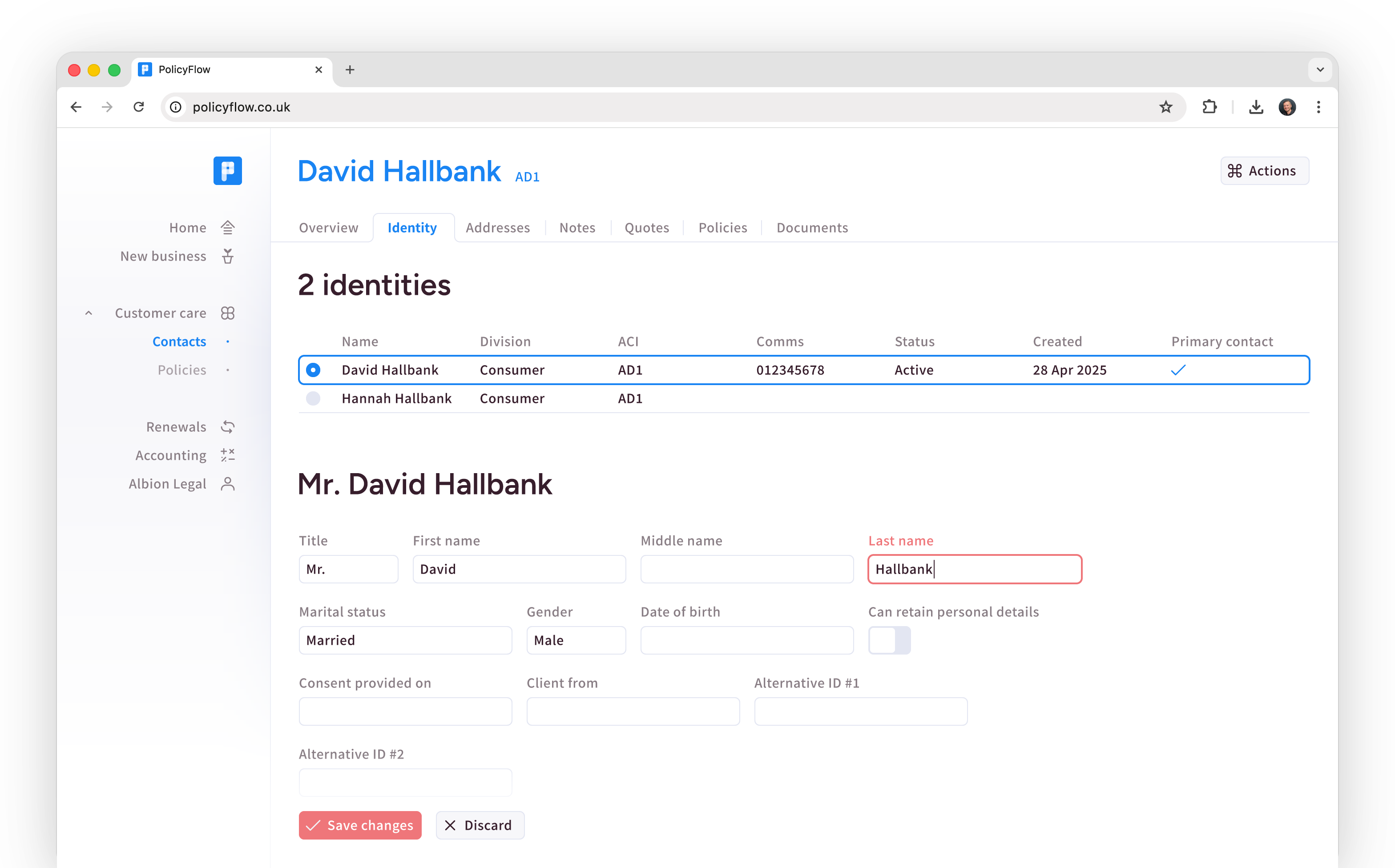
Handle MTAs and policy changes within the same operational thread.
Changes, communications, and documents stay in sequence.
MTA history with timestamps and an updated document trail.
Timelines preserve what changed, when, and why as work happens.
Renewal season runs as a managed pipeline with history already in place.
Organize upcoming renewals with ownership, status, and priorities.
Start from last-year terms and decisions before remarketing.
Renewal record with terms, activity history, and document trail.
Get a guided walkthrough of the product workflow. Share your email and we will send the walkthrough details for Intake through Renewals.

Intake, MTAs, and Renewals become easier to run as a system. Work is visible, assignable, and auditable without adding a parallel tracking layer.
You can see what is stuck and why by looking at the task queue and case/policy timelines, not by chasing updates.
Ownership is explicit at each stage, so handoffs do not disappear into inboxes.
Audit-ready records are produced as work happens, with timeline and document trail tied to case and policy.

Quote and Bind stay momentum-driven because the risk story, supporting documents, and current status remain alongside the case.
You spend less time re-keying and re-finding information because client, risk, policy, and documents live together through the lifecycle.
You can service MTAs without rebuilding history because the policy timeline and document set are already there in the case history.
You share progress cleanly with the team because status and ownership are visible on the record.

Across the full lifecycle, governance is a product capability. You can inspect what happened without reconstructing it.
Role-based permissions control who can see and change what, with ownership fields making accountability clear.
Audit trails and timelines show decisions, changes, and supporting evidence in one place.
Reporting and operational dashboards pull from the same connected data, reducing spreadsheet drift and version conflicts.
Compliance by design
Connectivity
Policyflow sits at the centre of day-to-day brokerage operations.
Core client and policy data stays consistent, while enrichment, checks (including sanctions & PEP), and downstream systems connect around the case workflow.
Open APIs support integration. Pro extends connectivity further, including insurer and EDI workflows where relevant. Data movement you can verify, not an “integration story”.
Governance
Governance is how the product works day to day.
Permissions and ownership are built into the record, so sensitive client and policy data is controlled by default and work does not go unowned.
Audit history is automatic: timelines and document trails show what changed, when, and why. You can point to the record — tasks, timeline, documents.
Implementation
Start with Essentials workflows for Intake through Renewals
Define the initial Intake through Renewals scope and operating handoffs for the first release.
Configure roles and permissions so governance is present from day one.
Set ownership fields at each lifecycle stage so work does not go unowned.
Bring over the minimum viable client, risk, and policy data needed to operate confidently.
Connect enrichment and sanctions/PEP checks as needed for your workflow.
Go live in a controlled rollout, extend capability over time, and move to Pro for deeper configuration and connectivity.

One platform for insurance brokers, keeping data connected across the entire brokerage lifecycle.